 brief
brief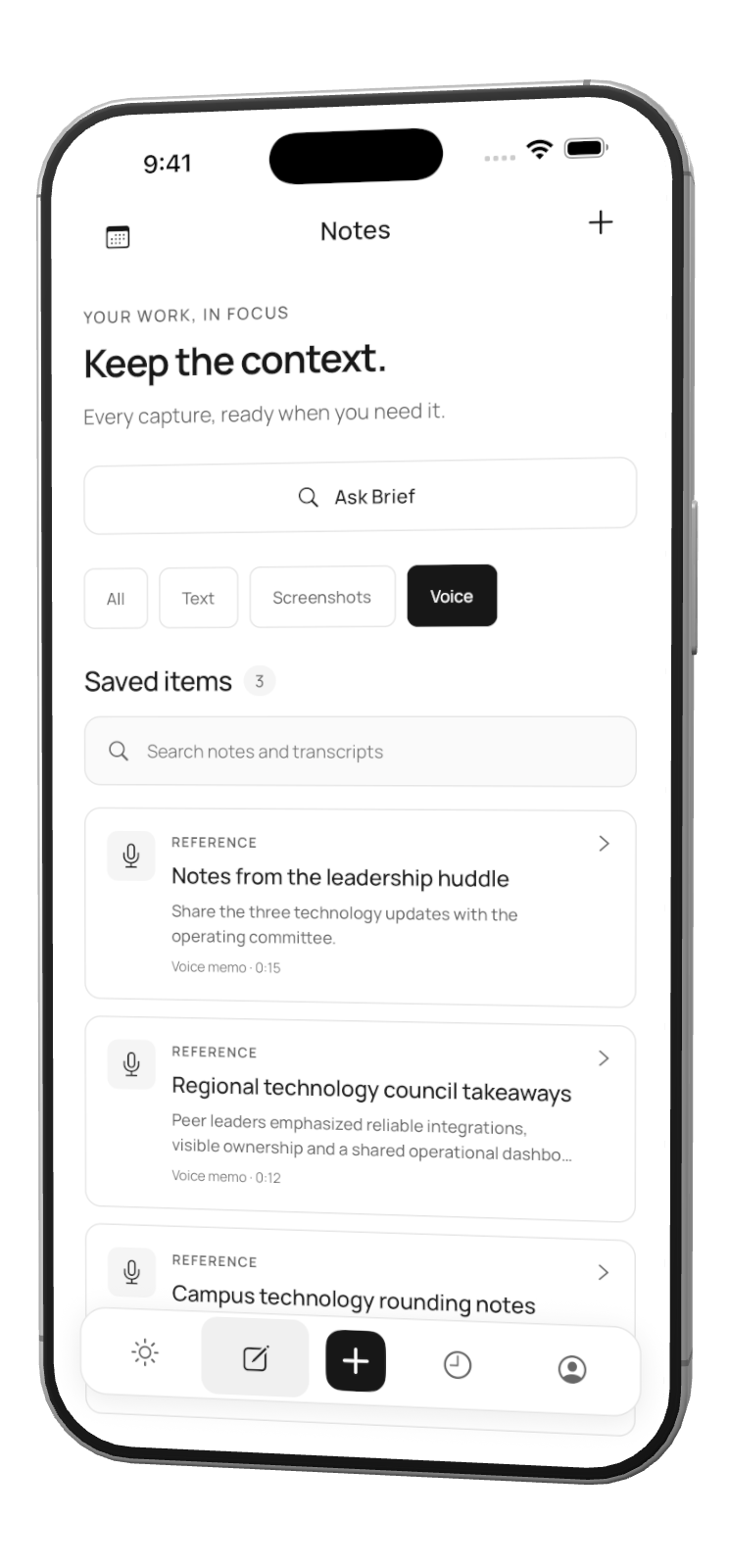
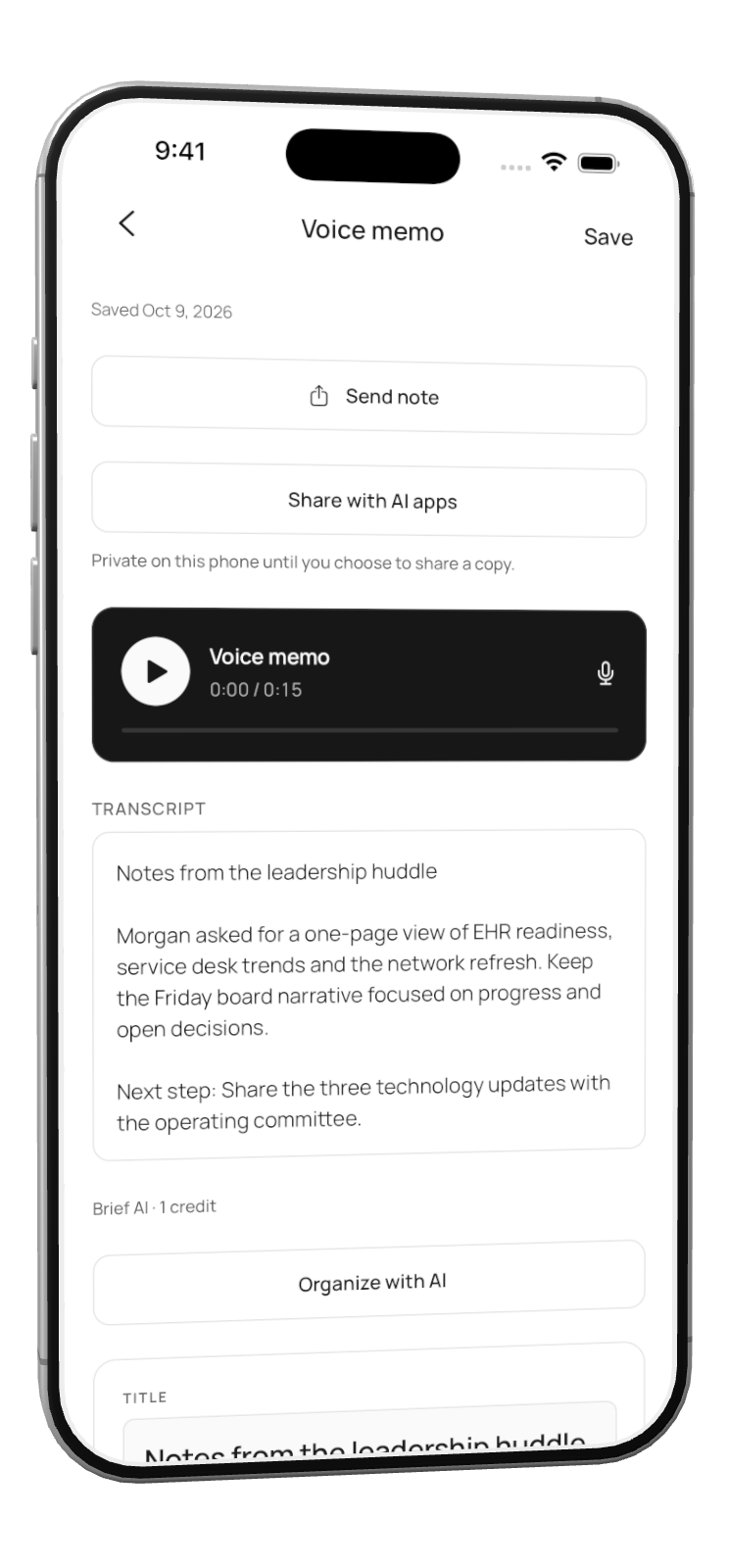
01 / Voice memo
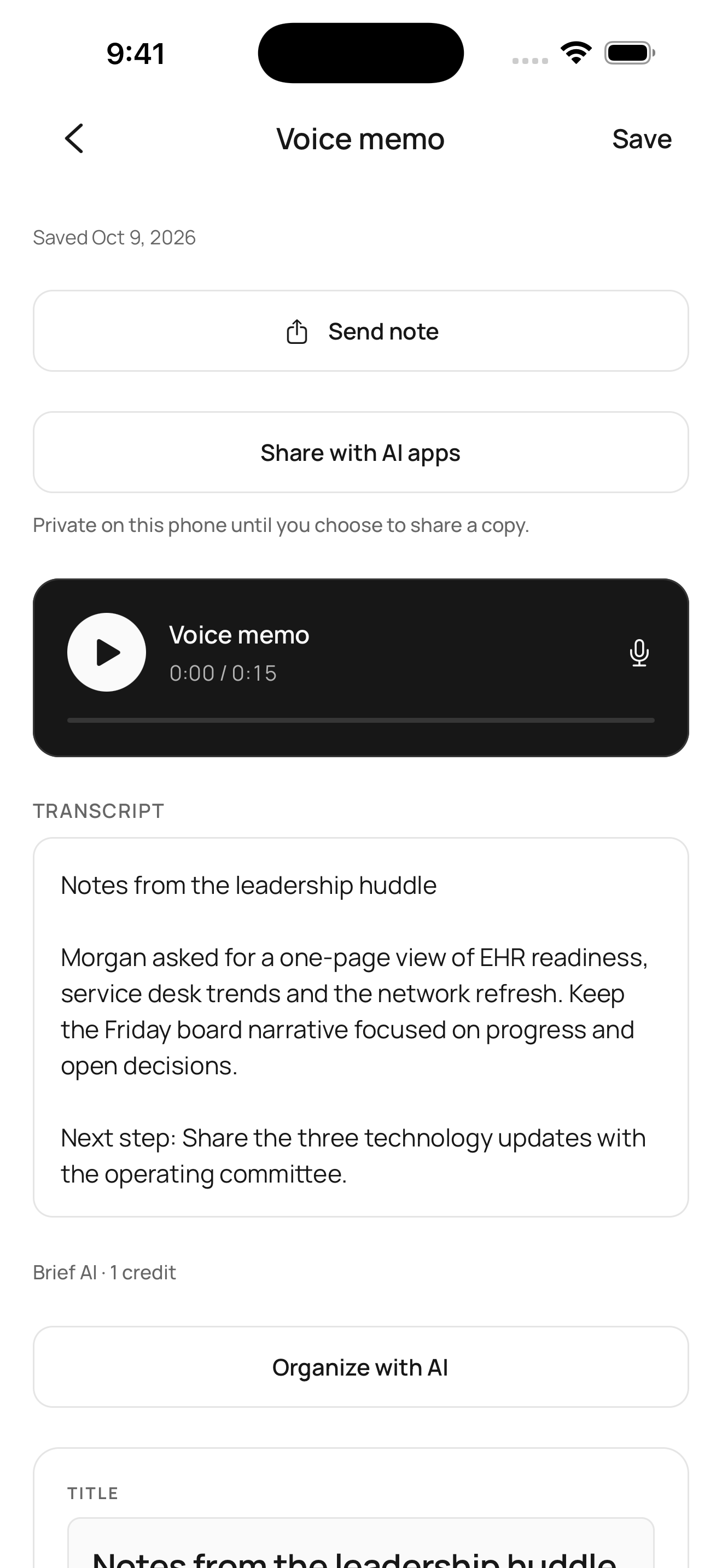
Your voice, captured in Brief.
A little more clarity
Capture what matters. See your priorities and meetings in one place.
Coming soon to iPhone
Currently in private beta.
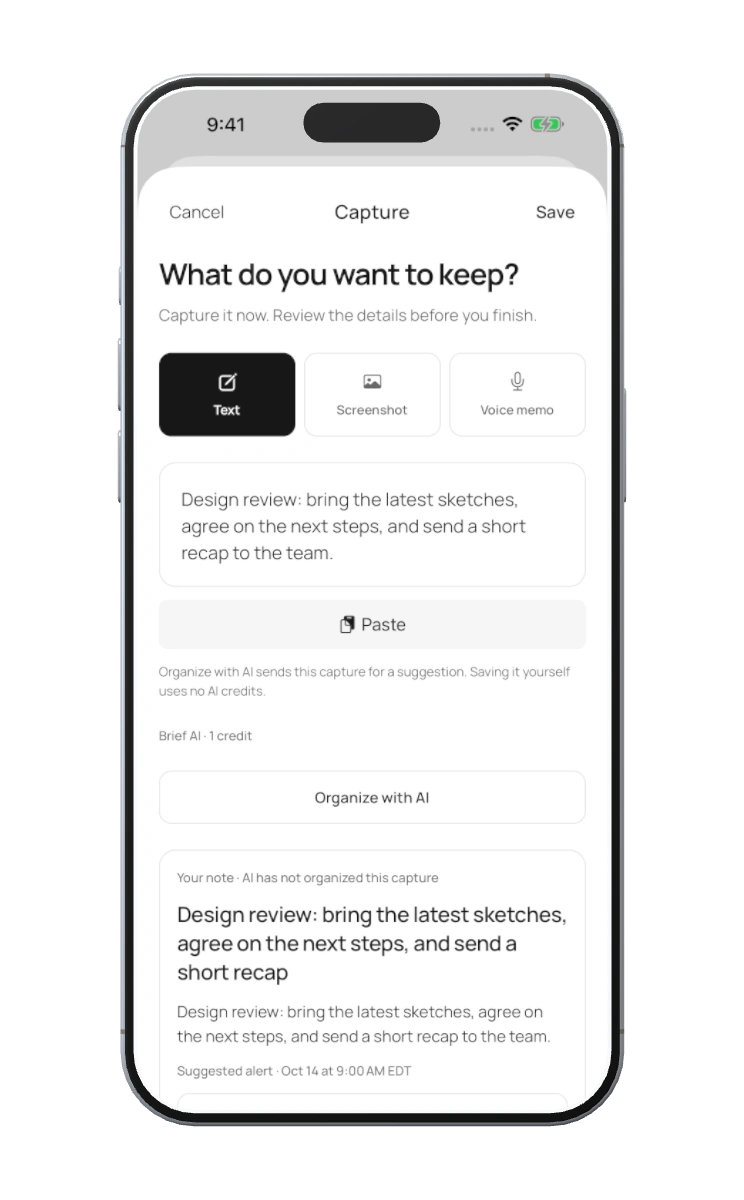
01 / Capture
A thought. A screenshot. A voice memo. Save it in the moment, before the moment moves on.
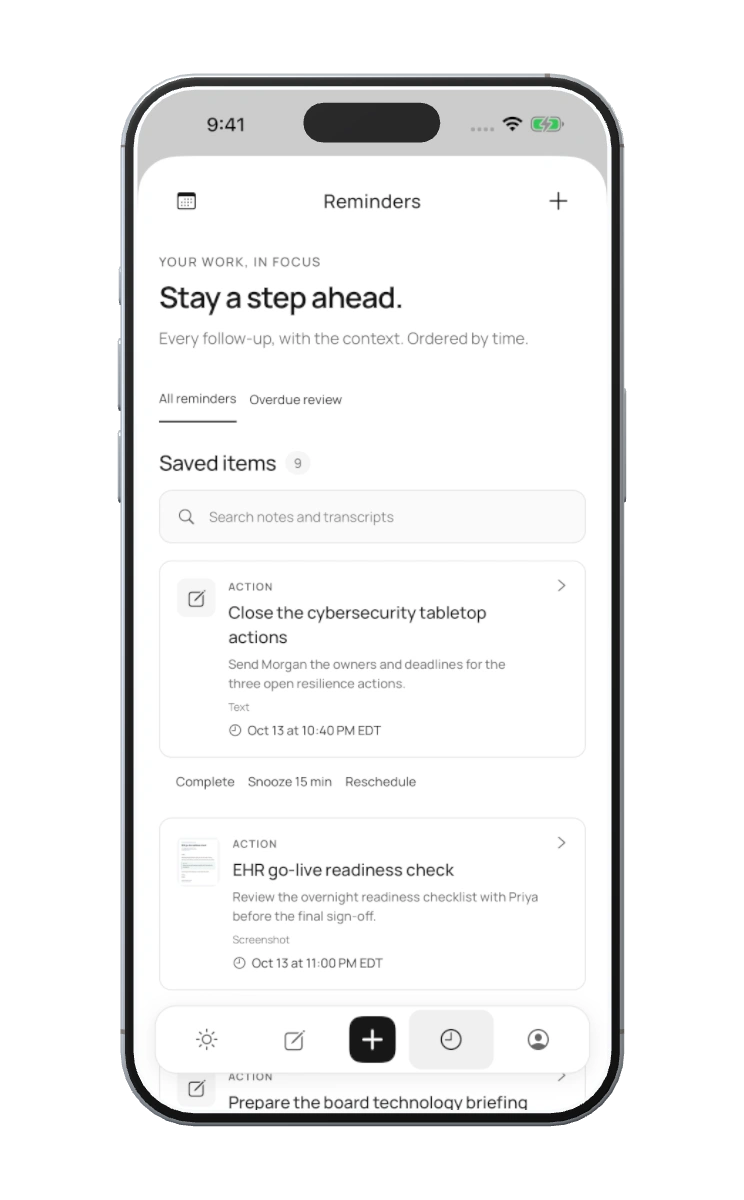
02 / Remember
Turn what you saved into a reminder. Keep what’s next in sight, right on your Home Screen.
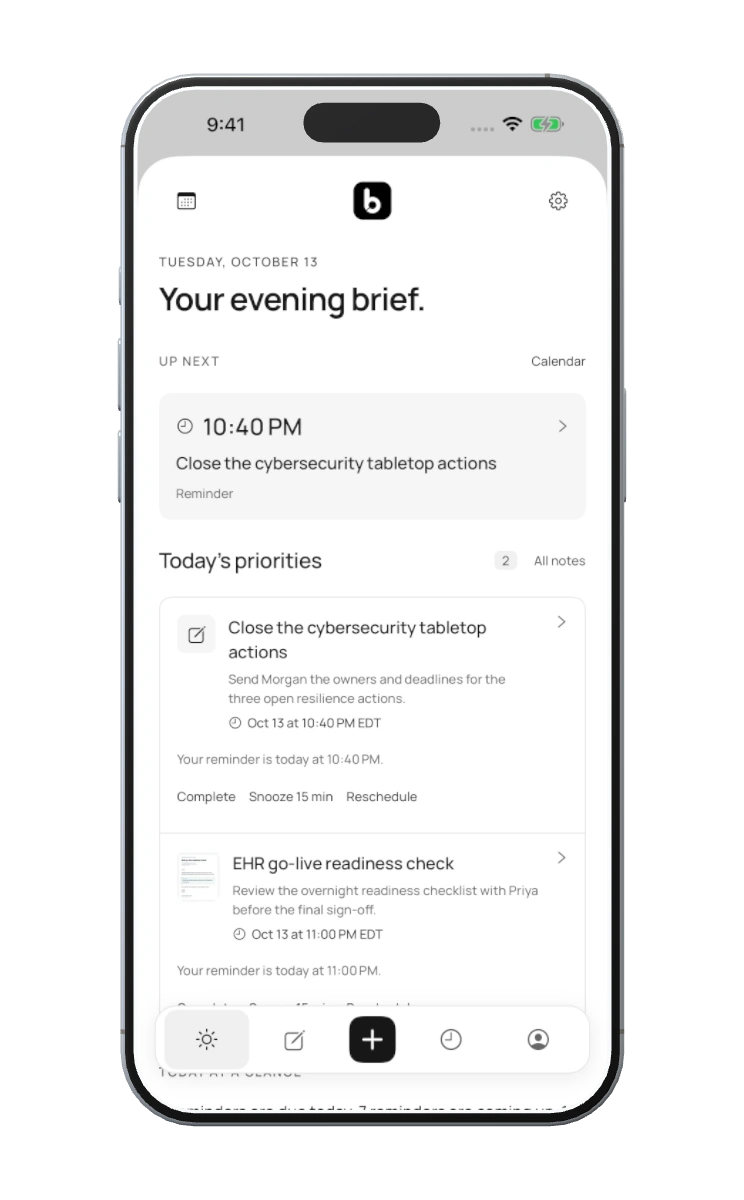
03 / Prepare
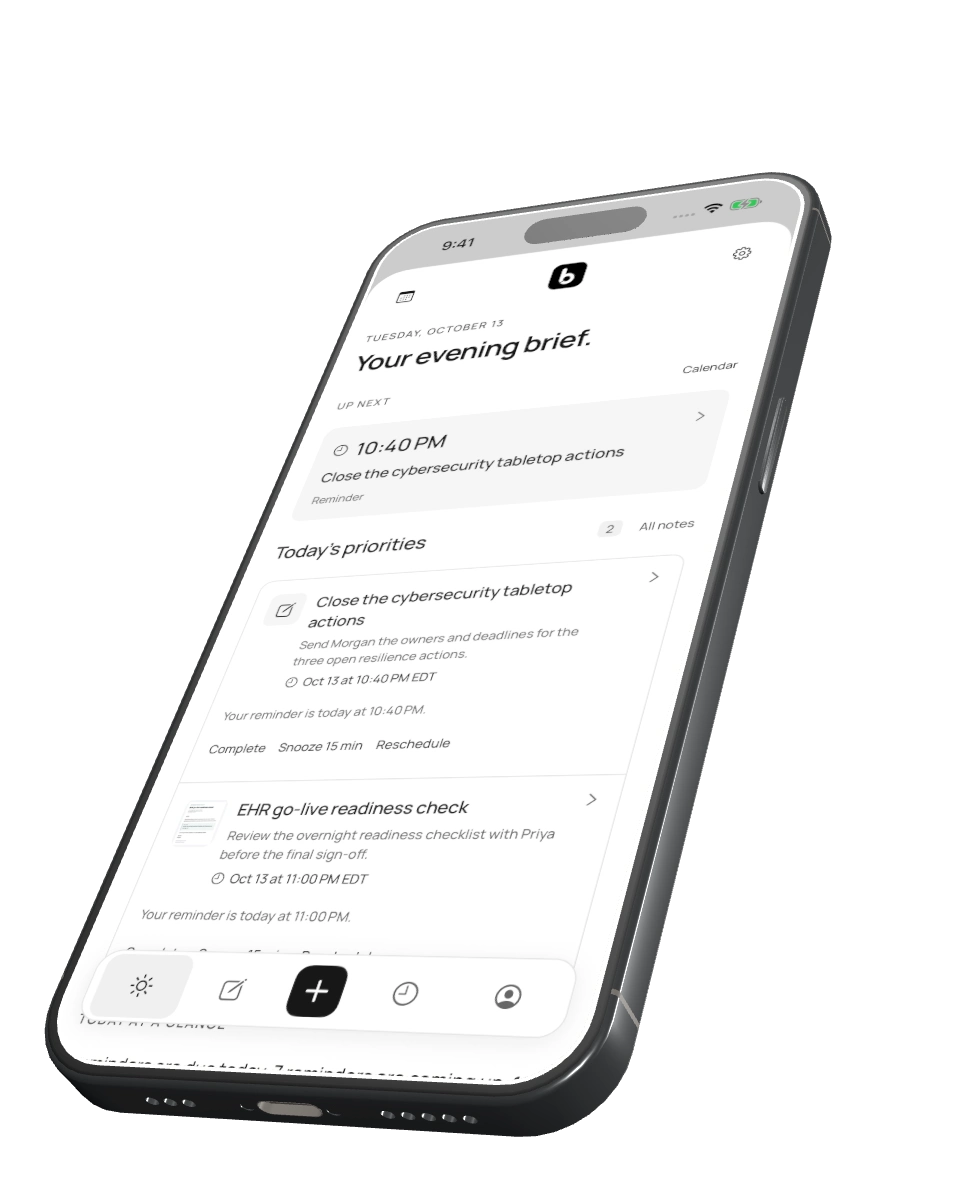
Your priorities, reminders, and meetings. One clear view of the day, ready when you are.
04 / Connect
Bring your calendars into view. Save from a chat. Send a next step to your workspace. Connect only what you choose.
01 INTO THE NOISE
Scroll into your headspace.
02 / Voice to clarity
A passing thought. A clear next step.
01 / Voice memo
Your voice, captured in Brief.
02 / Organize with AI
Organize the transcript when you choose.
03 / Keep the context
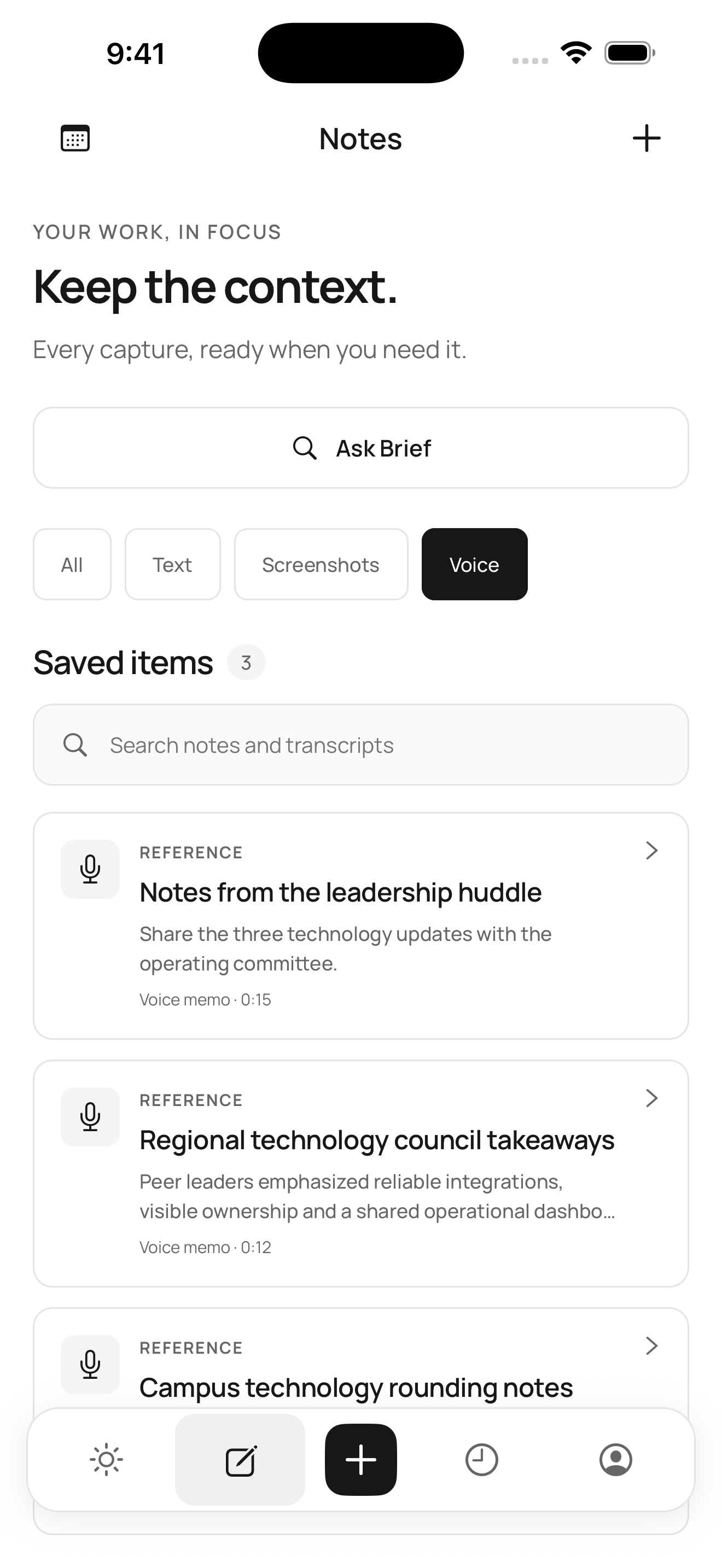
The original memo and its next step, together.
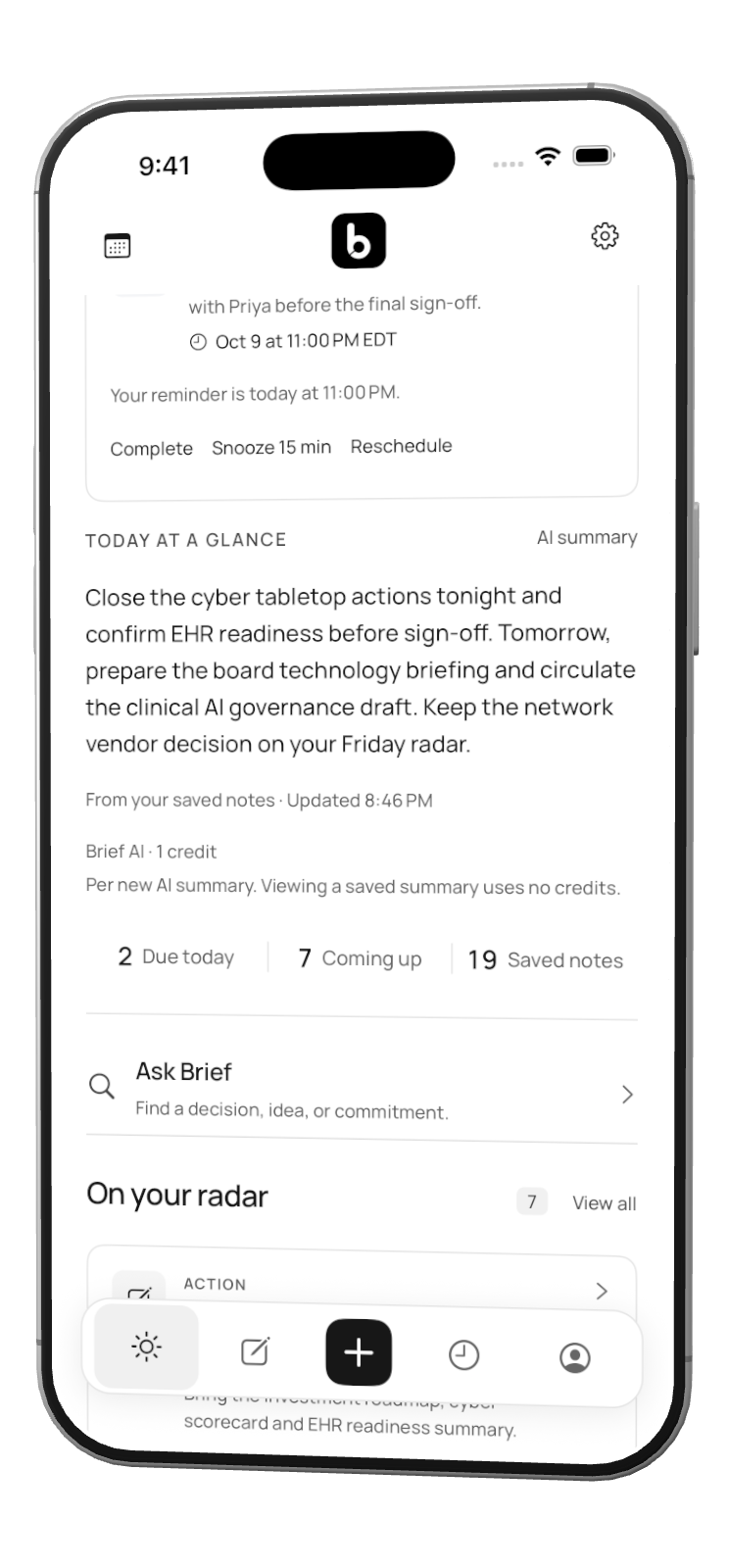
04 / Your daily brief
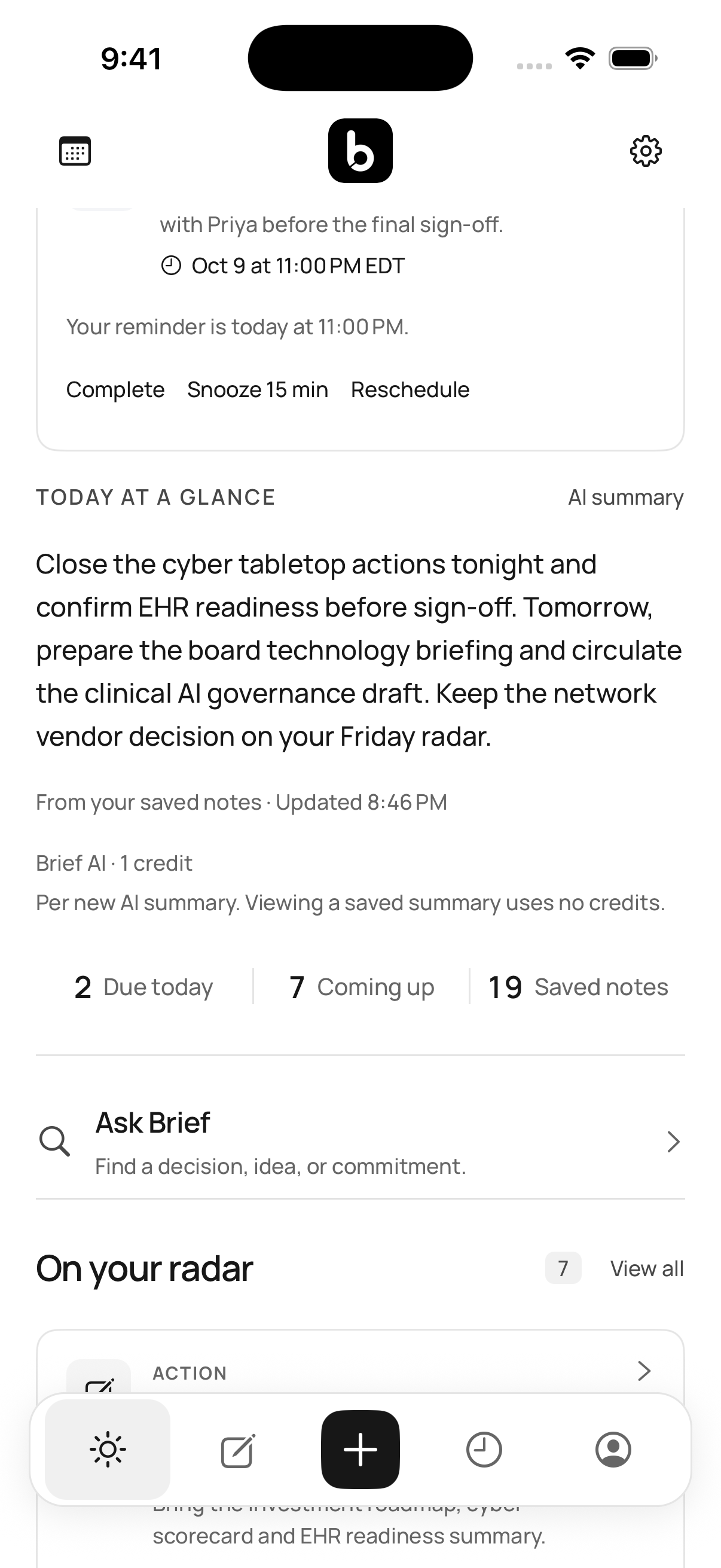
Saved notes give your daily brief its context.
A real Brief voice memo, with its player and transcript.
Real Brief screens · AI is optional Scroll to explore
03 / Conversation to capture
The good part of a conversation, kept.
01 / Brief + ChatGPT
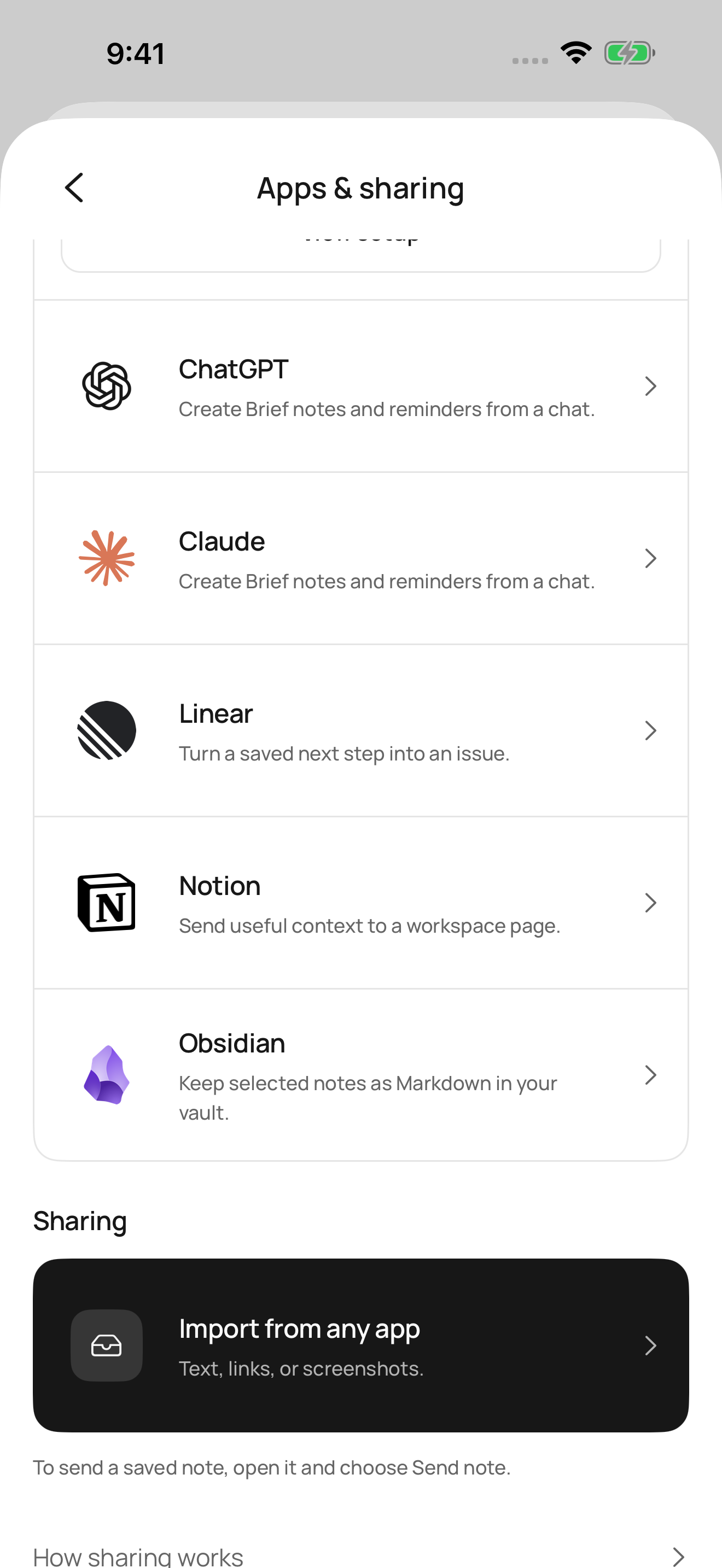
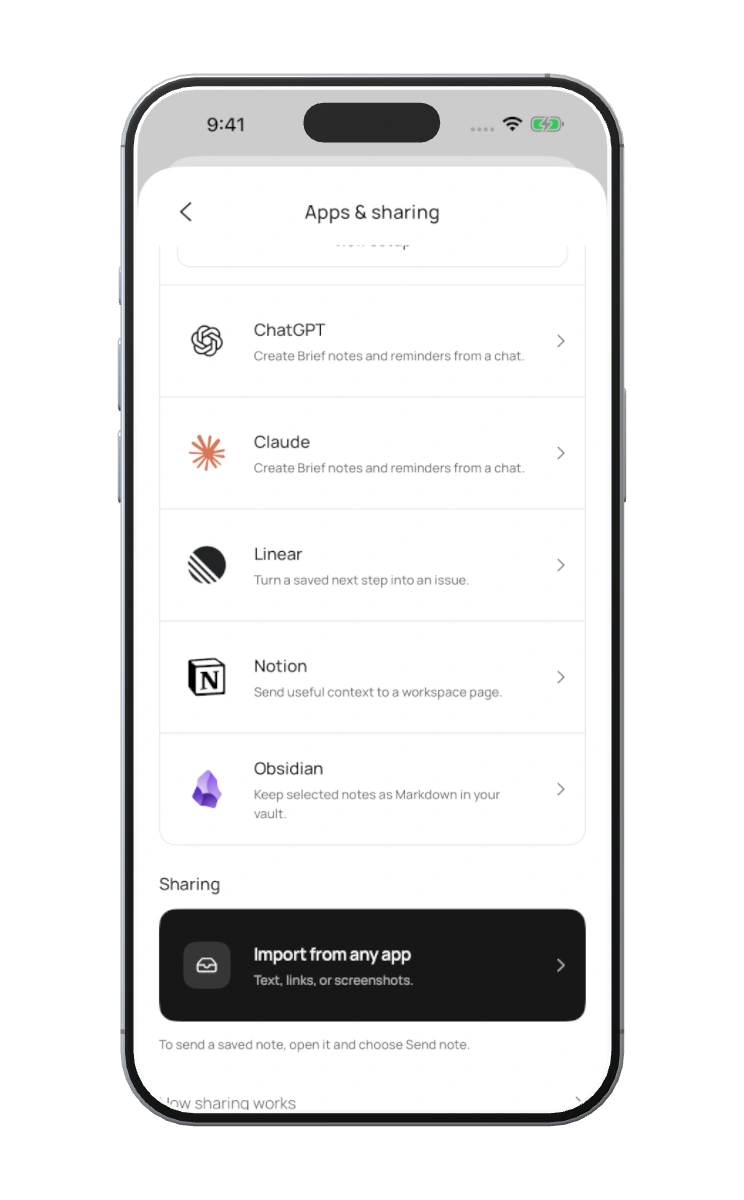
Connect Brief from Apps & sharing.
02 / Just ask

“Save this
to Brief.”
Ask ChatGPT to save the content you choose.
03 / Keep what you chose
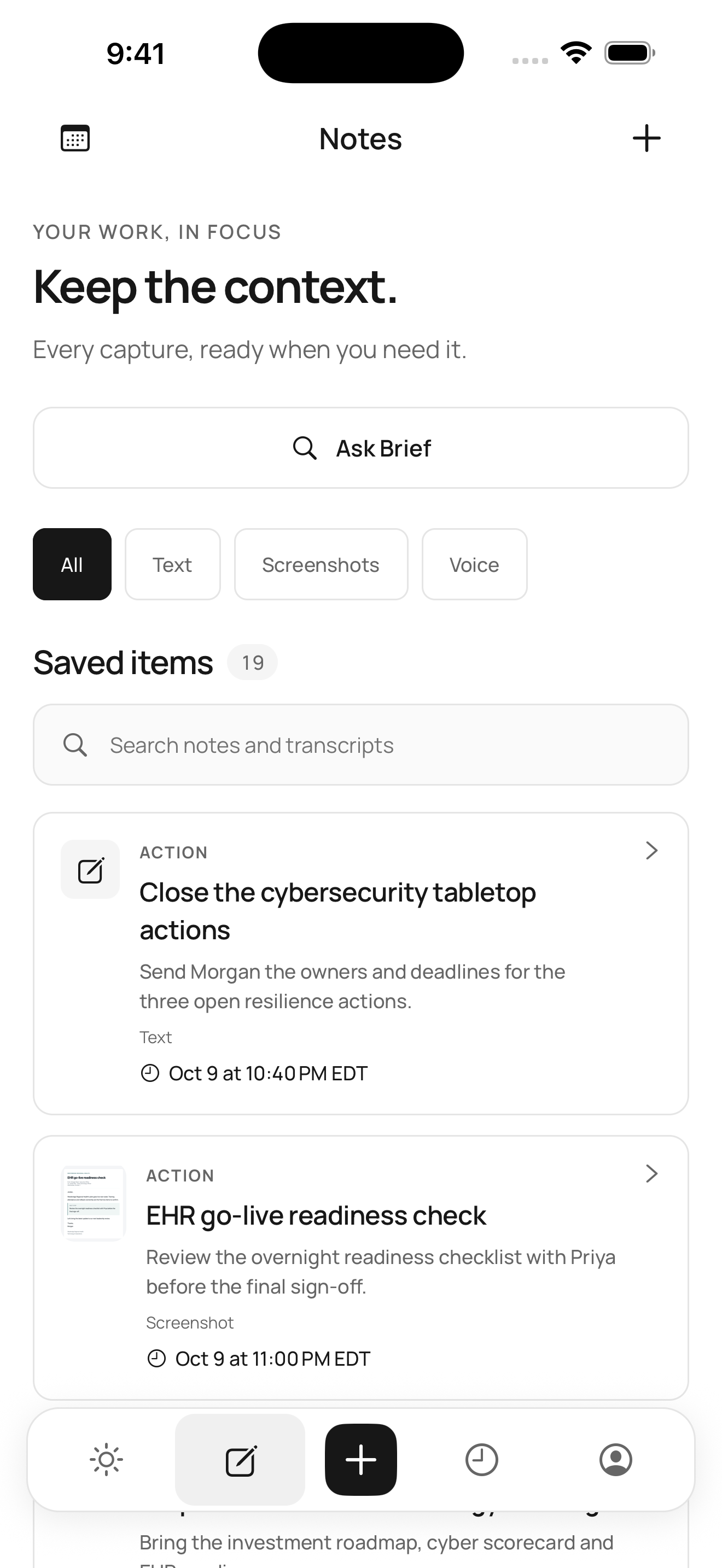
Keep useful context as a note in Brief.
04 / Open Brief
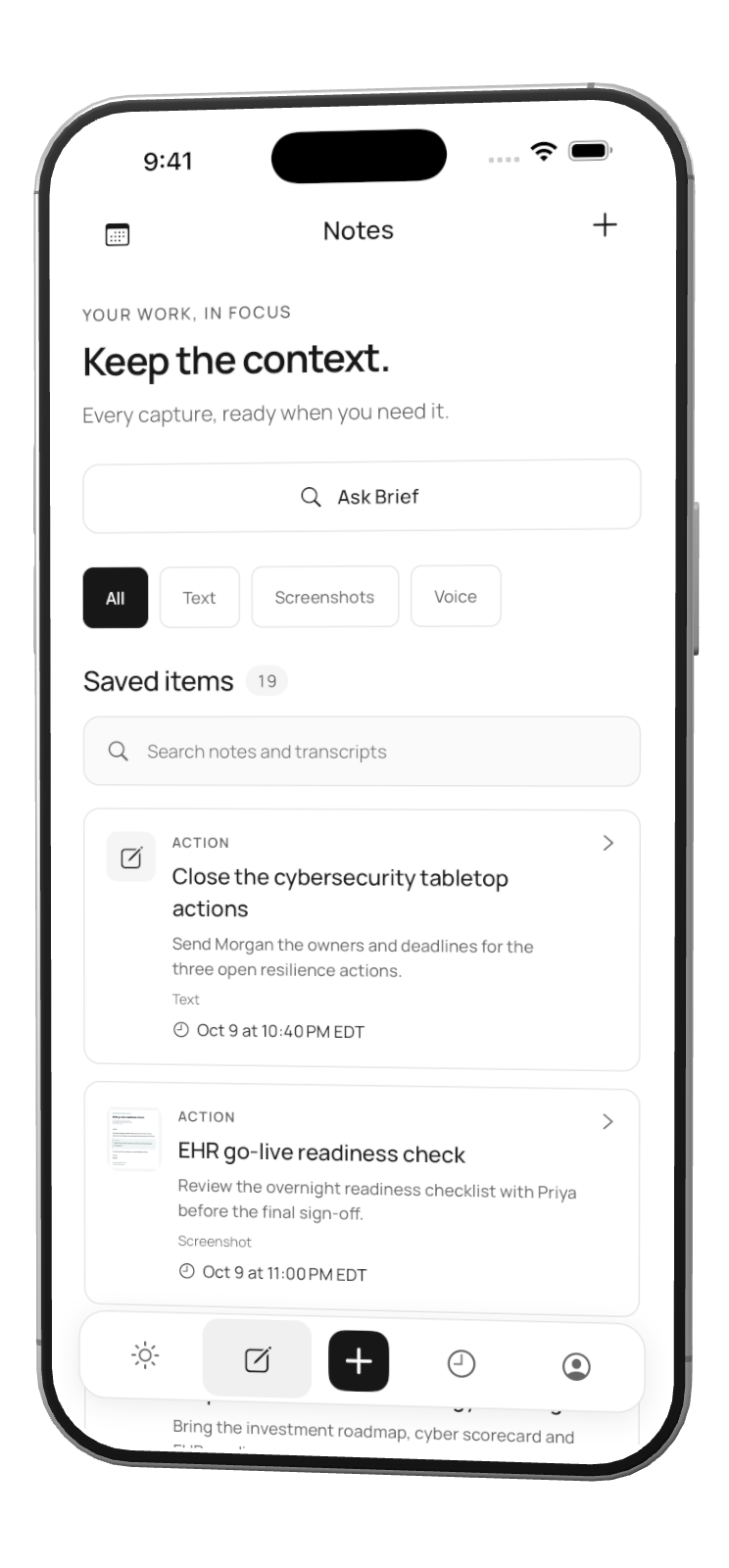
Open the app to bring in your saved notes.
Connect Brief from Apps & sharing.
Real Brief screens · Optional connection Scroll to explore
Made to fit your day
Keep using the tools you love. Brief brings the useful parts together, with you in control.
App screens show demo content.See events from selected calendars alongside your reminders. Google Calendar access is read-only.
 Google Calendar
Create Brief notes and reminders from a chat through an optional connection.
ChatGPT Claude
Choose a note to export to Notion or Linear, or hand it off as Markdown to Obsidian. Exports stay separate from the original.
 Notion
 Linear
 Obsidian
Connecting Google Calendar is optional. Brief asks for read-only access to your calendar list and events so it can show the calendars you choose next to your reminders, list today’s meetings in your morning brief, and help you prepare for meetings.
Brief can’t create, change, or delete Google events. Your calendar is stored on your iPhone, not on Brief’s servers. Meeting details reach an AI provider only if you turn on AI meeting prep or follow-up drafts, which send a meeting’s title, time, and location, or if you choose to use AI on a meeting you saved as a note. Brief doesn’t sell Google data, use it for ads, or use it to train AI models. You can disconnect Google at any time.